UPSKILLS / Learn smarter with UpAskAI
Learn It.
Build It.
Prove It.
Go beyond theory with structured courses, hands-on coding, real‑world projects, and practical assessments. Learn at your own pace with UpAskAI, your personal AI tutor for explanations, guided practice, and feedback.
PYTHON & DJANGOJAVA & FULL STACKAI & MACHINE LEARNINGGENERATIVE AIDATA SCIENCEAGENTIC AI
Learn at your own pace. Trainer support and platform features vary by program.
Inside the UpsSkills experienceDiscover what happens after you choose a learning path
Explore
COURSE-AWARE AI TUTOR STUDENT LEARNING SPACE
Learn the subject.
Not just the answer.
YOUR ENROLLED COURSE Subjects load automatically
PythonJavaFull StackData ScienceAI & GenAIFDEmore
CURRENT FOCUSSTEP BY STEP
Understand it. See it. Apply it.
UnderstandClear concepts
VisualiseMechanism
PractiseWorking code
Ask doubts in context · Check understanding · Continue your path
Learning objectivesCommon mistakesQuiz & progressNext-topic guidance
Subject examples span different programs. Only enrolled subjects appear in your tutor.
02 · BUILD WITH CODEGEN COURSE-RELATED PROJECTS
Start with a project idea.
Build with direction.
DESCRIBE WHAT TO BUILD
Build an AI Resume Screening application using Django.
Project idea resume-screening/
application structure
feature plan & data flow
implementation & tests
AI-assisted planning and code workspace · Student-led development
03 · PRACTISE & IMPROVE PROJECT MILESTONES
Not just a submission.
A chance to improve.
01Build & submitImplement a milestone in your workspace
02Get feedbackEvaluation and corrections where enabled
03Improve & reviewRefine work before trainer approval
Scenario Eval · AI Evaluator · Project review where configured
04 · CAREER STUDIO AFTER PROJECT APPROVAL
Make your work
ready to share.
Approved project work can support your portfolio and career preparation.
Resume points README Portfolio Interview set Project certificate
Interview Prep · AI Mock Interview · Job Board
Illustrative walkthrough, not a live AI response. Access depends on enrolment.
UnderstandBuild a clear foundation
PractiseWrite code and solve problems
Build & reviewImprove through feedback
PrepareMake your work career-ready
MEET UPASKAI
Explore the AI tutor
Your enrolled subjects. A deeper way to learn.
Follow your course roadmap with structured lessons, topic-specific visual explanations, code examples, doubts, quizzes, progress and next-topic guidance. UpAskAI helps you learn the subject—not just receive an answer.
CURRENT PROGRAMS
Choose what you want to learn and build
Explore current UpsSkills programs. Check each syllabus, current schedule and access to learning tools before enrolling.
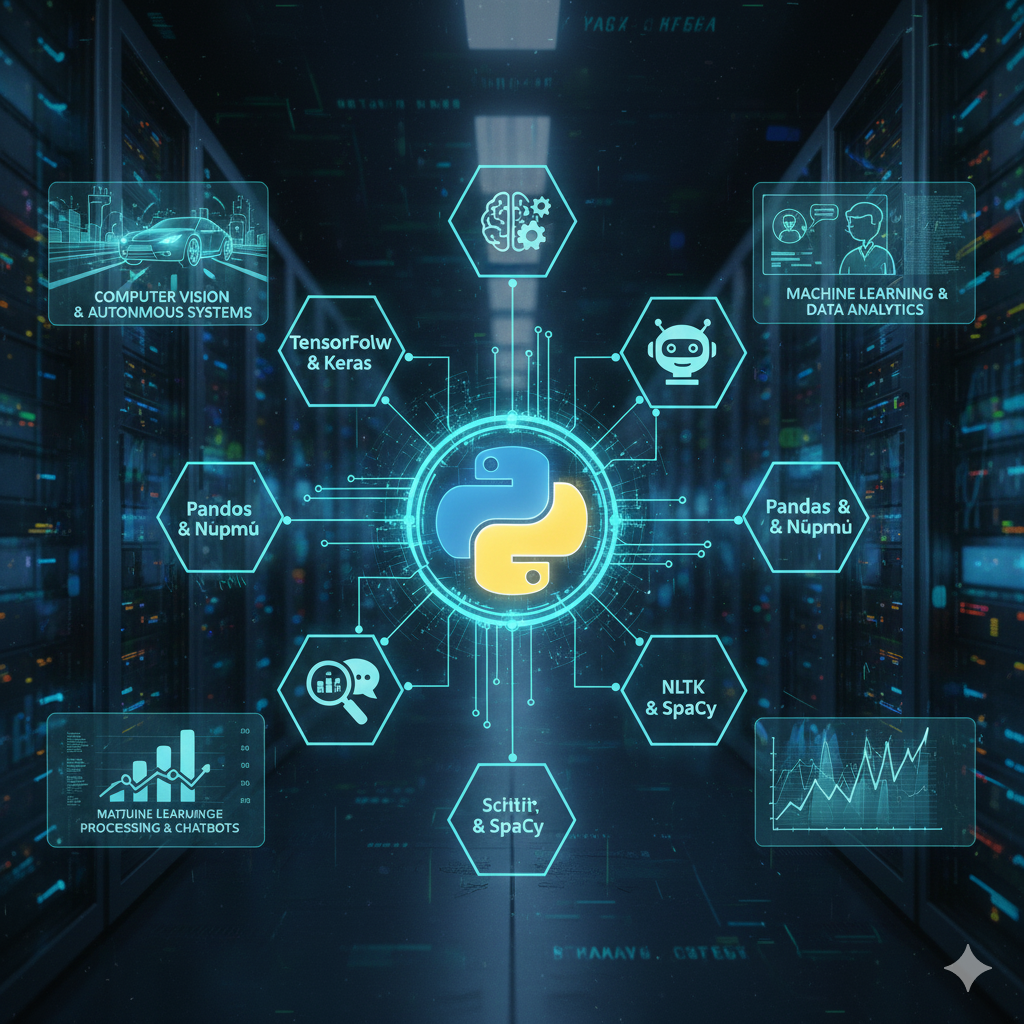
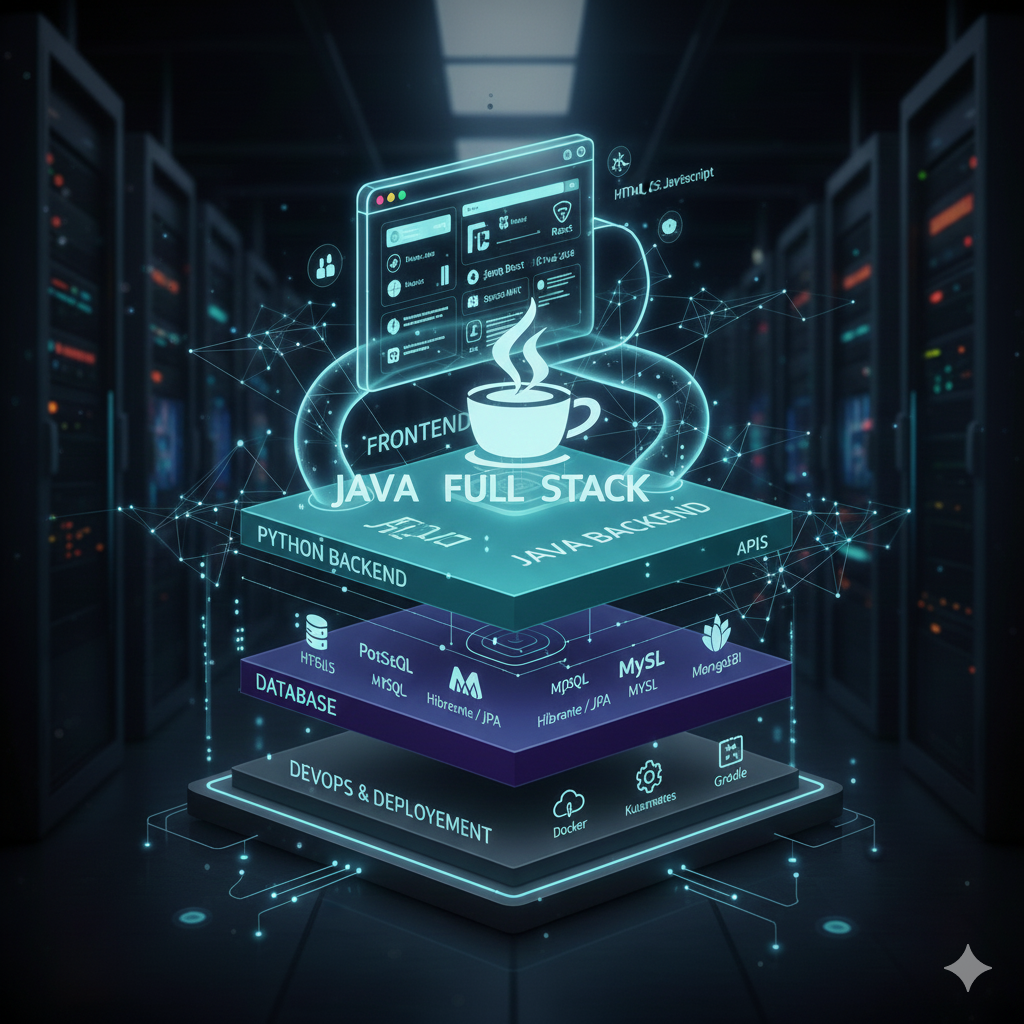
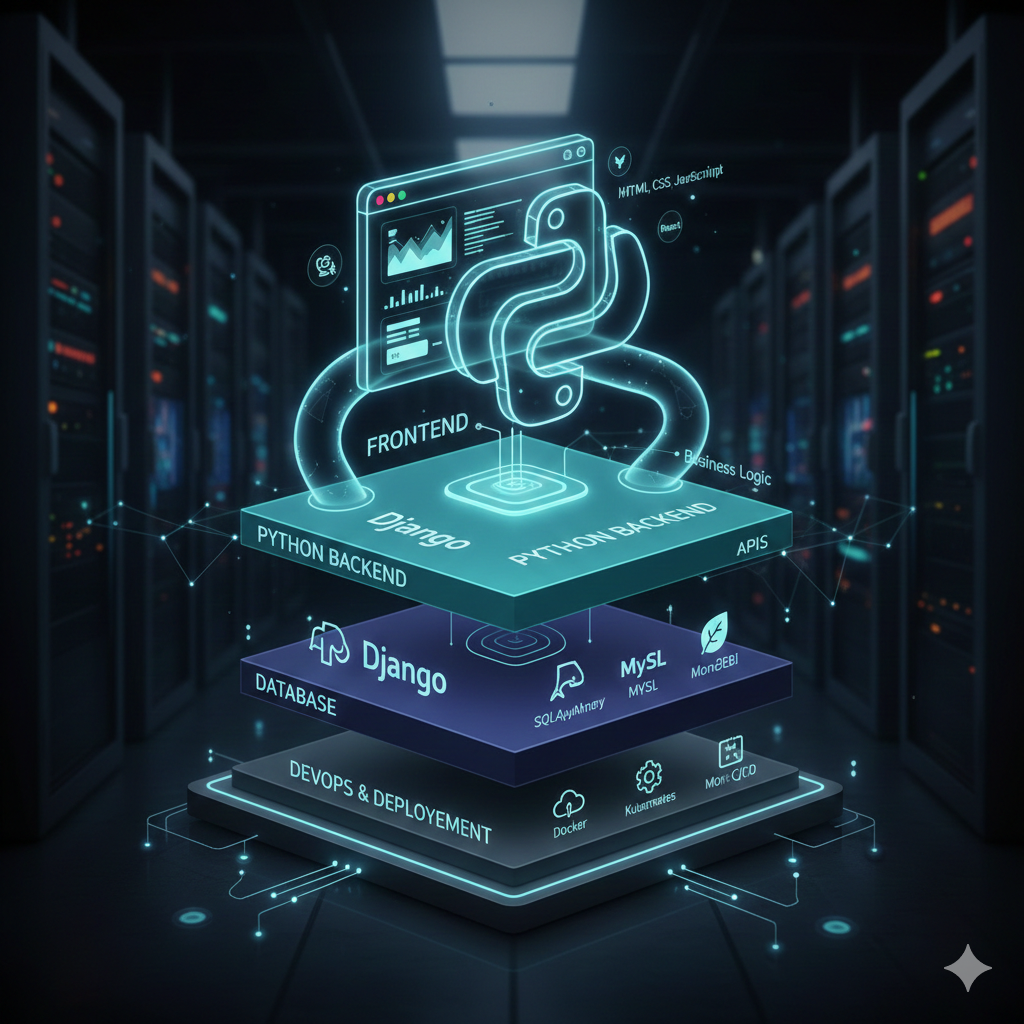
No programs match your search. Try another keyword, or ask our course guide below.
FOR COLLEGE STUDENTS & INDEPENDENT LEARNERSYour classroom builds the foundation.
Your classroom builds the foundation.
Go deeper with UpsSkills.
Already studying Python, Java or databases at college? Reinforce those subjects with deeper explanations, practical examples and project-based application. Starting from scratch? Follow a structured path at your own pace.
We complement classroom education. We don't claim to replace colleges, teachers or academic courses.
01Revisit the concept
Review ideas you met in class, with clear explanations and visual examples.
02Apply it yourself
Practise code, solve scenarios and test understanding with assessments.
03Take it into a project
Use your learning to build, receive feedback and improve practical work.
MORE THAN A COURSE CATALOGUE
One platform. Different ways to grow.
Learn independently, put skills into practice, and prepare evidence of your work. These experiences serve different purposes—and work together when included in your course. The Student Dashboard connects enrolled subjects, progress, exams and AI tools.
UpAskAI Tutor
Explore enrolled subjects through structured lessons, examples, visual explanations, doubts and guided next topics.
Your course-aware study companion
AI Evaluator & Scenario Eval
Challenge your understanding with coding practice, applied problems and feedback on your solutions where enabled.
Go beyond memorising answers
CodeGen
Describe a feature or application, explore an AI-assisted project plan, and continue development in a coding workspace.
Turn an idea into a starting point
Project Library & Workspace
Choose course-related projects, complete practical milestones and develop your own work rather than only watching demonstrations.
Projects are for doing, not downloading
Project Review & Feedback
Review submissions, work on corrections and follow the configured trainer-approval workflow for project completion.
Feedback helps guide the next attempt
Career Studio & Interviews
Organise verified skills, approved project assets, Interview Prep, AI Mock Interviews and relevant job-search tools.
Bring learning closer to career readiness
PROJECT-BASED DEVELOPMENTDon't stop when the code runs.
Don't stop when the code runs.
Learn how to improve it.
Projects become meaningful when students understand what they built, test it, review mistakes and improve the next version.
Choose a challenge
Start with a course-related project or a clearly defined feature idea.
Build and test
Use the project workspace and CodeGen assistance where available.
Review and rework
Use evaluation feedback and trainer review, where configured, to refine the work.
Prepare career assets
Approved work can unlock resume, README, portfolio and interview resources.
PROJECT EXAMPLE
AI Resume Screening System
Illustrative journeyOne example from your project library: plan requirements, develop functionality, review and improve, then prepare approved project evidence.
CAREER STUDIO
Your projects can tell a stronger story than a course list.
When work passes the required review, Career Studio can help organise project evidence and preparation resources in one place.
Verified skills and approved project records
Resume points, GitHub README and portfolio assets
Interview Prep, AI Mock Interview and the separate AI Interview workflow where enabled
Job Board, saved jobs and application tracking where available
Career tools support preparation and applications. They do not promise employment or replace employer assessments.
Career StudioProject-to-portfolio workspace
AFTER REVIEWYour work, organised for the next opportunity.
Resume assetProject points
GitHub READMEProject overview
Portfolio contentShow your work
Interview practiceExplain decisions
Illustrative view · Assets depend on project approval and program eligibility.
THE UPSKILLS APPROACH
Depth. Practice. Feedback. No shortcuts.
Our aim is to help students understand what they're doing, not just complete a video or receive generated code.
Start with understanding
Clear explanations, working examples, visual learning and common mistakes.
Practise deliberately
Exercises, practical tasks, scenarios and checkpoints connected to learning.
Improve with feedback
Review results, fix mistakes and strengthen project work over time.
Platform features, trainer support and career services vary by program. Confirm the specific syllabus and included tools before enrolling.
BEFORE YOU ENROL
Start with clarity.
Start with clarity.
Learn with purpose.
Understand self-learning, course access, practical work and what each program includes.
Ask about a courseCan I learn independently, or must I attend trainer-led classes?
UpsSkills supports structured, self-paced learning with UpAskAI. Trainer guidance, schedules and additional services depend on the specific enrolled program. Ask about your program before joining.
Do I need a laptop for hands-on learning?
Yes. A laptop or desktop is recommended for coding, debugging and project development. Mobile is useful for lessons, revision, UpAskAI doubts and quizzes.
Can I use UpsSkills to strengthen subjects I'm studying at college?
Yes. Explore supported subjects more deeply through explanations, coding examples, visual lessons and applied practice. UpsSkills complements your college coursework; it does not replace your academic syllabus or examinations.
Will CodeGen build my entire project for me?
CodeGen helps students plan and develop projects. Students still need to understand the implementation, test their work and complete any required review milestones. Available features vary by enrolment.
Does placement support guarantee a job?
No. UpsSkills provides eligible career and placement-support workflows, but hiring decisions depend on readiness, eligibility, available openings and employers.
CLEAR COURSE GUIDANCE
Start learning with a clear direction
Explore a program, try UpAskAI, or ask us about the syllabus, fees, schedule and tools available to your course.